
Logo, icon, wordmark, color and type files.
Logo
Lockups pair the icon with the plain Young Serif wordmark.
Open Graph · 1200×630


X header · 1500×500




Icon
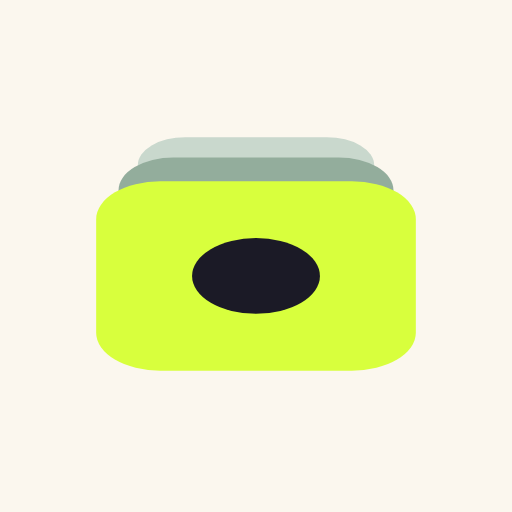
Lime card with an ink circle, over two sage slivers receding to one vanishing point. No strokes.
Icon
macOS app icon


macOS dock


Favicon
 Takes

 Takes










Wordmark
Young Serif "takes" with the upper eye of the e filled and a circle in it.












Color
Click a swatch to copy its hex.
Type
Never use Inter. Both families are on Google Fonts: Young Serif, Instrument Sans.
Body 14–15px. Labels 12px uppercase.
UI elements v0.1
Built on Base UI parts. Radius, shadow and padding values are approximate until measured in Paper.
Colour · click to copy
Type
Spacing · 4px base
Radius
Elevation
Button
Field.Root · Field.Label · Input
Checkbox
Switch
Radio
Tabs.List · Tabs.Tab
Badge · Take chip
Select.Trigger · Select.Popup
- Newest
- Most forked
- Keepers first
Dialog.Popup
Keep take 3?
The other 6 alt takes stay in history.
Tooltip.Popup
Fork from hereToast.Root
Progress
Meter
Avatar
Usage
Always enclose the lime icon in its dark tile (Ink #1B1A26 or #24232E), as on the macOS app icon. Don't place the lime card bare or on a transparent background over light colours. On light backgrounds, use the dark-tile icon. On dark backgrounds, the tile can match or sit close to the background. The favicon follows the same rule: an ink rounded tile in both light and dark mode, simplified at 16px.

Keep the icon flat, with no strokes.
Use lime only as a small accent.

Dark icon on cream, light icon on dark.

Don't recolor the layers.

Don't add shadows.

Don't add outlines or strokes.

Don't stretch it.

Don't use lime as a large background.

Don't put shapes inside the e.

Don't replace the circle with a T.

Don't place the lime card bare on a light background.
Clear space and minimum size Proposed
Icon clear space: 2× the circle diameter.
Minimum size: 16px.

Wordmark clear space: its x-height.
Minimum size: 72px wide.
Downloads
Web





Social
Social previews